Memory Cards and Storage Devices: A Photographer’s Guide to Not Losing Everything
By a photographer who has definitely never accidentally formatted an entire locational shoot. Definitely.
Let’s talk about the unglamorous side of photography, the part that doesn’t get Instagram likes, doesn’t come with lens envy, and certainly doesn’t make you look cool at the camera store. We’re talking about storage. Boring? Sure. Important? Only if you’d like to keep the photos you just spent four hours taking in golden-hour light while standing knee-deep in a swamp for that perfect heron shot.
Whether you just bought your first mirrorless camera and are staring at a tiny slot wondering what goes in it, or you’re a seasoned pro with a hard drive graveyard in your closet, buckle up. This guide covers everything you need to know about memory cards, drives, and cloud storage, including the best and worst ways to use them.
What Even Is a Storage Device? (A Brief, Non-Boring Explanation)
A storage device is anything that holds your digital photos so they aren’t lost the moment you turn your camera off. Think of it like a filing cabinet for your images, except some filing cabinets are the size of your thumbnail, some live in a data center in Oregon, and some fail catastrophically right before your client’s deadline.
There are four main categories photographers need to know: memory cards, internal computer drives, external drives, and cloud storage. Let’s dig in.
Memory Cards: Tiny Little Rectangles of Anxiety
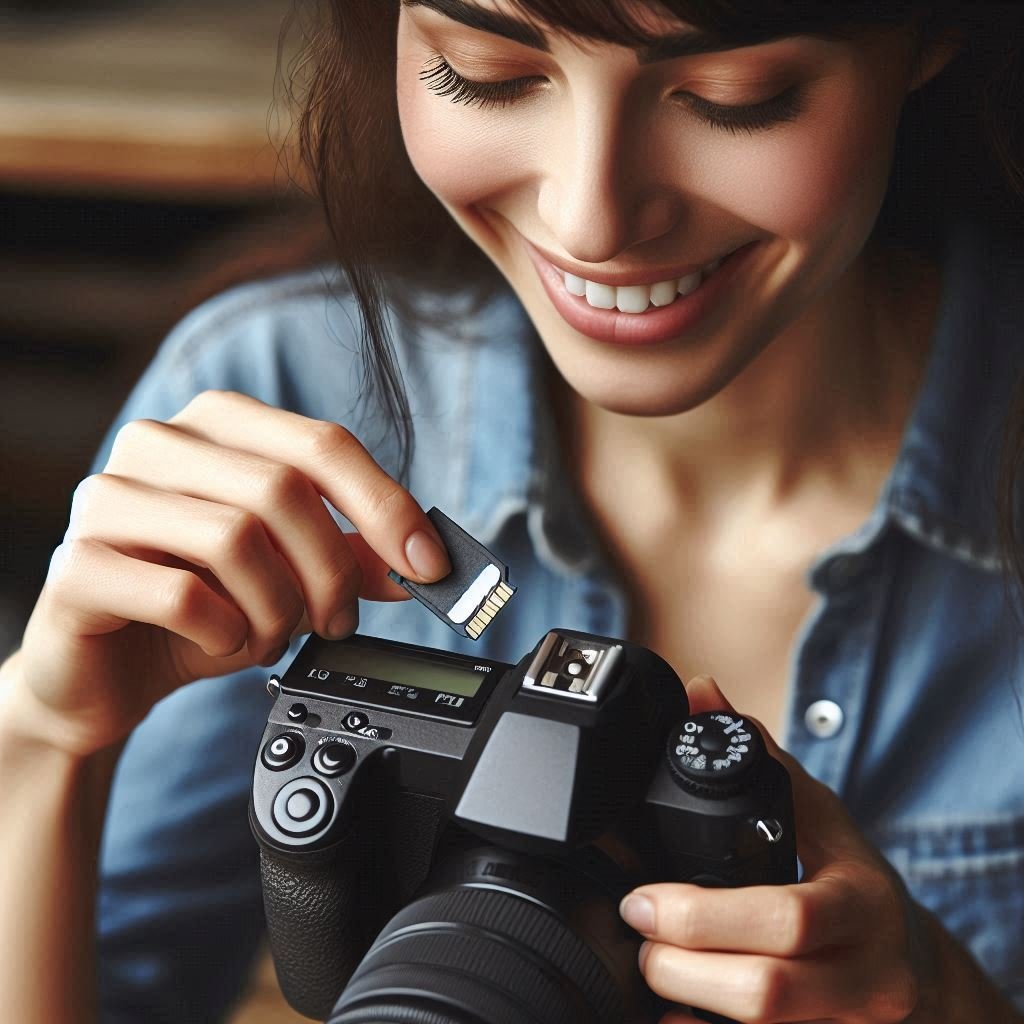
Memory cards are the primary storage inside your camera. They come in several flavors:
SD Cards (Secure Digital) are the most common type, compact, relatively affordable, and found in everything from DSLRs to mirrorless cameras to your cousin’s decade-old point-and-shoot. They come in standard SD, miniSD (mostly retired), and microSD sizes. Speed ratings matter here: a slow card in a fast camera is like putting bicycle tires on a Ferrari.
CFexpress Cards are the new hotness for professional cameras. Type A and Type B variants offer blistering read/write speeds, perfect for burst shooting and high-res video. They’re also priced like you need to apologize to your bank account afterward.
CF Cards (CompactFlash) are the old guard, chunky, durable, and still lurking in older professional bodies. If you’re still rocking a camera that uses these, you’ve earned some serious photographer street cred.
XQD Cards were a stepping stone between CF and CFexpress. Fast, reliable, and now largely replaced. Like a beloved pizza place that got turned into a parking lot.
Key tip: Always buy from reputable brands (Sony, Lexar, SanDisk, ProGrade). The $4 no-name card from that sketchy website is not a bargain, it’s a trap.
Internal Computer Drives: Your Photos’ Second Home
Once your cards come out of the camera, the photos need somewhere to live on your computer.
HDD (Hard Disk Drive): The classic spinning-platter drive. Affordable, high-capacity, and slightly nerve-wracking because it has moving parts. Drops and bumps are not its friends.
SSD (Solid State Drive): Faster, quieter, and more resilient than an HDD. The preferred internal drive for photographers doing heavy editing. Also more expensive per gigabyte, so you’ll feel every terabyte in your wallet.
NVMe SSD: The sports car of internal drives. Blindingly fast, great for working with large RAW files or 4K video. Your editing software will feel like it finally had its morning coffee.
External Drives: The Backup Workhorse
External drives are your best friends and your most neglected ones. They come in two main types:
External HDD: Big capacity, low cost per gigabyte. Perfect for long-term archival storage. Not great for traveling because spinning platters and turbulence have a complicated relationship.
External SSD (Portable): Compact, durable, fast, and increasingly affordable. Ideal for on-location work, travel, and anyone who has ever watched an external HDD bounce off a hotel nightstand. (We don’t talk about it.)
NAS (Network Attached Storage): A mini server for your home or studio. Multiple drives in a RAID configuration mean if one drive dies, your photos survive. Complex to set up, but serious photographers love them. Think of it as the responsible adult version of “I’ll just keep everything on one drive.”
Cloud Storage: Someone Else’s Hard Drive (But in a Good Way)
Cloud storage means your photos live on remote servers accessible via the internet. Options include Google Photos, Amazon Photos, Backblaze, Dropbox, Adobe Creative Cloud, and more.
Fast? Depends on your internet. Convenient? Extremely. Dependent on your subscription staying active? Also yes.
The Best and Worst Ways to Store Your Photos
✅ The 3-2-1 Backup Method, The Gold Standard
Three copies of your data, on two different types of media, with one stored offsite (like the cloud).
Pros: If your house burns down, your photos survive. If the cloud service goes under, your local copies survive. You sleep at night.
Cons: Takes discipline, costs money, and requires actually doing it instead of just knowing you should.
✅ Card + External SSD + Cloud, The Practical Pro Setup
Shoot to card, import to computer, back up to external SSD, sync to cloud.
Pros: Fast, redundant, relatively affordable. Works for travel and studio work.
Cons: Cloud uploads take time. Someone has to remember to plug in the external drive. (Spoiler: sometimes that someone doesn’t.)
⚠️ Internal Drive Only, The “Living Dangerously” Method
Just keeping everything on your laptop with no backup.
Pros: Zero effort. Everything’s right there.
Cons: One spilled coffee, one failed drive, one stolen laptop and it’s all gone. Every photo. All of it. Please don’t do this.
⚠️ Memory Cards as Long-Term Storage, The “I’ll Deal With It Later” Trap
Keeping photos on cards and never importing them.
Pros: Technically the photos exist.
Cons: Cards get lost, corrupted, reformatted by accident, eaten by pets, or lost in the vortex that is a camera bag. Cards are transit, not storage. Treat them that way.
❌ One External Drive With No Backup, The False Sense of Security
“But I have an external drive!” Yes. One. That also fails.
Pros: Better than nothing.
Cons: External drives fail. HDDs especially. No redundancy means one failure = total loss.
❌ Shoebox Full of Unlabeled Cards, The Chaos Method
We’ve all seen it. Some of us have lived it.
Pros: None. Truly none.
Cons: Complete inability to find anything. High risk of accidental format. Mysterious cards from 2015 you’re afraid to open.
Caring for Your Cards and Drives (Because They’re Fragile Little Gremlins)
Memory Cards:
- Store them in a case, not loose in your pocket next to your keys, coins, and emotional baggage.
- Eject properly before removing from readers. “Surprise removal” is only fun at magic shows.
- Format in-camera after backing up, not on your computer, it keeps the file system happy.
- Keep away from magnets, moisture, extreme temperatures, and curious toddlers.
- Don’t fill them completely to the brim. Leave a little breathing room.
External Drives:
- HDDs especially hate drops and bumps. Treat them like eggs.
- Always eject properly before unplugging. “It was fine last time” is how drives die.
- Store vertically or horizontally, just consistently. Changing orientation while in use is bad news for spinning drives.
- Keep in a cool, dry place. Your car in July is not that place.
- Label everything. Future you will be so grateful.
General Wisdom:
- Replace drives every 3–5 years. Nothing lasts forever, especially not the thing holding your forever memories.
- Check your backups occasionally. A backup you haven’t verified is just a backup in theory.
Final Thoughts: Boring Storage Is the Most Important Gear You Own
Here’s the truth that no one puts on the box: the most exciting camera in the world is worthless if the images disappear. Your lens collection is irrelevant if your storage strategy is “vibes and hope.”
Memory cards are your capture layer. Computer drives are your workspace. External drives are your safety net. Cloud is your disaster insurance. Use them together. Build a habit. Make it boring and automatic.
The best photographers aren’t just skilled behind the lens, they’re meticulous about the files that come out of it. Whether you’re shooting family portraits, wildlife, weddings, or abstract art made from grocery store receipts, your images deserve more than a prayer and a single spinning hard drive.
So go build your backup system. Label your cards. Get a portable SSD. Subscribe to a cloud service. And for the love of everything holy, stop keeping photos only on memory cards.
Your future self, the one who doesn’t have to call a data recovery service at 2am before a client delivery, will thank you.
Happy shooting, and may your cards never corrupt.
Dive Deeper
📸 Photography 101: Master the basics
⚙️ Gear & Maintenance: Protect your investment
🔭 Beyond the Lens: Find your creative voice