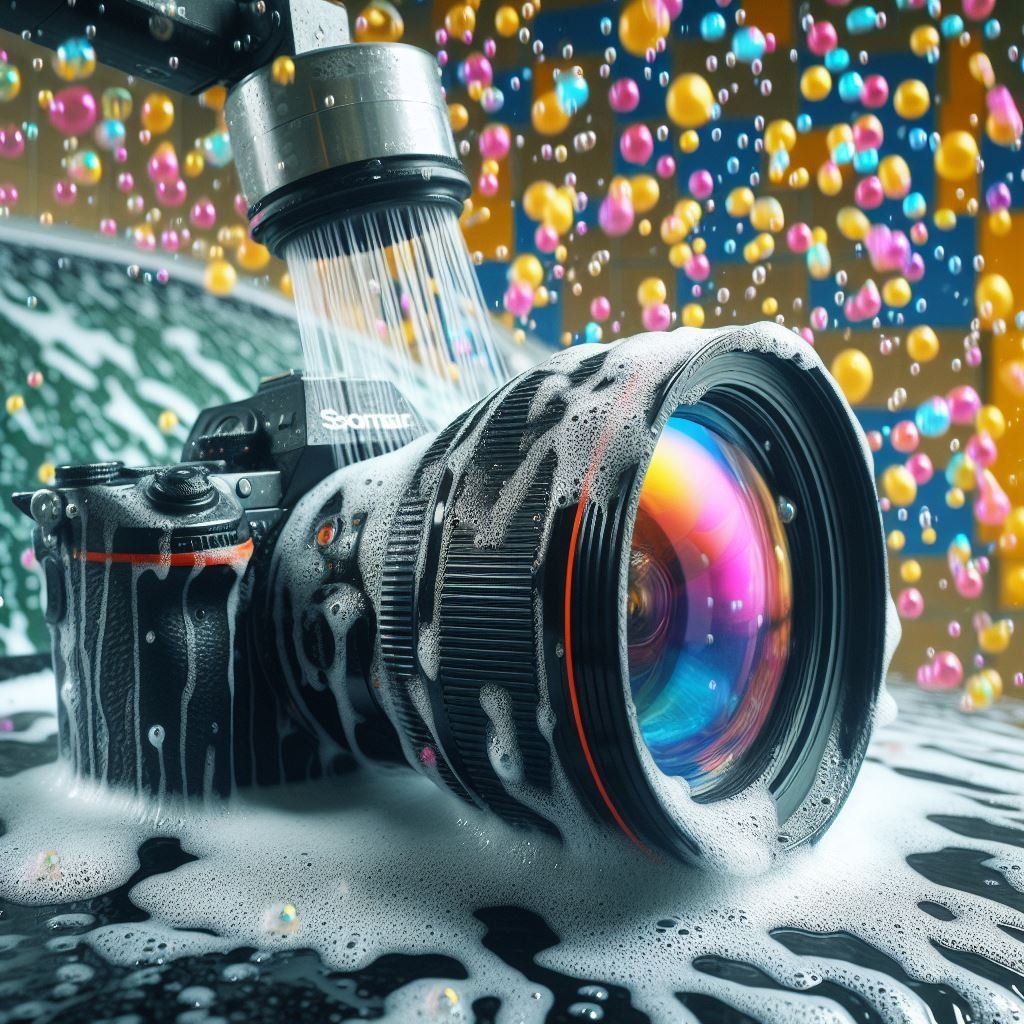
↑ Not A Very Good Idea!!! ↑
The Ultimate Camera Survival Guide: Maintenance for the Modern Explorer
We’ve all been there. You’ve trekked through a state park, timed the golden hour perfectly, and captured a shot that belongs on a gallery wall. You get home, pull it up on a large monitor, and there it is: a blurry smudge right over the subject’s face. Or worse, a series of dark spots in the sky that look like a fleet of invading UFOs but are actually just “sensor bunnies” (the less-cute cousins of dust bunnies).
Maintaining your camera gear is often seen as a chore, but for those of us who use our gear for adventure, it’s a necessity. A well-maintained camera is a reliable camera. It’s the difference between coming home with a masterpiece or coming home with a very expensive repair bill.
Let’s break down how to keep your gear from becoming an expensive paperweight, with a deep dive into the “what, why, and how” of camera care.
The “Not-So-Secret” Tool Kit
Before we touch the camera, let’s talk shop. You wouldn’t perform surgery with a rusty spoon, so don’t clean a $2,000 sensor with a Q-tip and some Windex. Here is what your “Cleaning Kit” should actually look like:
- The Manual Air Blower: Often called a “Rocket Blower.” This is your first line of defense. It uses air to dislodge dust without touching any sensitive surfaces. Do not use canned air.
- The Soft-Bristled Brush: Look for a dedicated lens brush or a high-quality makeup brush (unused, obviously, glitter is the enemy of photography).
- Microfiber Cloths: Not the ones that came with your sunglasses three years ago. You want high-density, clean cloths.
- Lens Cleaning Solution: Specifically formulated for optical coatings.
- Sensor Cleaning Swabs: Only if you’re brave (I’ll get to that).
- Silica Gel Packets: Don’t throw these away when you buy shoes! They are your best friend in humid climates like South Carolina or Florida.
⚠️ THE GOLDEN RULE OF SENSOR SURGERY
Never, ever use canned “compressed” air on your sensor. The force is powerful enough to knock the sensor out of alignment, and the liquid propellant inside can leave a permanent, oily residue that is a nightmare to remove. If the manual blower doesn’t work, stick to the swabs or take it to a pro. Your camera (and your wallet) will thank you.
The Body (The Command Center)
Your camera body is a magnet for skin oils, sweat, and environmental grit. If you’re visiting parks and roadside oddities, you’re likely dealing with dust, pollen, and maybe even a little salt air.
The Exterior Wipe-Down
Start by using your manual blower to blast out the crevices around the dials, the shutter button, and the battery door. Dust loves to hide in these moving parts. Once the “gritty” stuff is gone, use your brush to sweep out the remaining particles.
Dealing with the “Gunk”
If you’ve been shooting in high humidity, the rubber grips on your camera can start to feel “tacky.” A slightly damp (with water, not dripping) microfiber cloth can wipe away the salt and oils from your hands. Never spray anything directly onto the camera body. Liquids have a funny way of finding their way into the electronics via capillary action.
The Lens Mount
This is the “open heart” of your camera. Every time you swap a lens, you’re exposing the interior to the elements. Use a clean, dry cloth to wipe the metal mount ring. Look for any metal-on-metal wear. Keeping this clean ensures a weather-tight seal and a solid electronic connection between your lens and the “brain” of the camera.
The Lens (The Windows to the Soul)
Lenses are where the magic happens and where most people make their biggest cleaning mistakes. The “Shirt-Wipe of Shame” is a real thing. We’ve all done it, but every time you use your t-shirt to wipe a lens, you risk scratching the delicate chemical coatings that reduce flare and improve contrast.
The Three-Step Lens Ritual
- The Blast: Use the Rocket Blower. If the dust is gone, stop there. The less you touch the glass, the better.
- The Sweep: If the dust is stubborn, use your soft brush. Move from the center to the edges.
- The Wet Polish: If you see a smudge or a fingerprint (which contains oils that can actually eat away at coatings over time), use a drop of solution on a fresh microfiber cloth. Start in the center and move in a spiral toward the edge. This pushes any remaining debris to the outside rather than smearing it across the center of your frame.
Don’t Forget the Back Element!
People obsess over the front of the lens, but the back element (the part that faces the sensor) is actually more critical. A scratch or smudge on the back of the lens will show up much more prominently in your photos than one on the front. Treat the back element with twice the reverence and half the contact.
The “Digital Brain” & Power
If your camera won’t turn on or your photos are disappearing into the ether, it’s usually a power or data issue.
Battery Health
Modern Lithium-Ion batteries are smart, but they hate extreme temperatures. If you’re road-tripping through the humid South or a freezing New York winter, keep your spare batteries in an interior pocket close to your body heat.
- Pro Tip: Periodically check the metal contacts on your batteries. If they look dull, wipe them with a dry cloth to ensure the power flow is “clean.”
SD Card Management
SD cards are the “film” of the 21st century, but they are fragile.
- The “Format” Rule: Don’t just delete photos on your computer. Format your SD card in-camera every time you’ve finished backing up your shots. This keeps the file structure fresh and prevents the dreaded “Card Error” message mid-shoot.
- Labeling: Use a small sharpie to number your cards. If Card #3 starts acting up, you’ll know exactly which one to toss in the trash before it ruins a big trip.
The Brave Soul’s Guide to Sensor Cleaning (Handle with Care!)
Remember when I said you had to be brave? This is it. The sensor is the most sensitive part of your camera. In a perfect world, you’d never touch it. But if you’ve used your blower and those “sensor bunnies” (dust spots) are still appearing in your sky shots, it’s time for surgery.
Why the bravery? If you scratch the sensor, it’s often cheaper to buy a new camera than to fix it. If your hands are shaking like you’ve had six espressos, maybe skip this and go to a pro. Otherwise, here is how you do it:
- Check Your Battery: Never clean a sensor with a low battery. If the battery dies mid-clean, the mirror or shutter can “guillotine” down on your hand and damage the internals.
- The “One-Pass” Rule: Use a dedicated sensor swab (it looks like a tiny, flat windshield wiper). Apply two drops of sensor fluid to the edge.
- The Sweep: In one smooth, steady motion, drag the swab from one side of the sensor to the other. Flip it over and drag it back once.
- Never Reuse a Swab: Once a swab touches the sensor, it’s dead to you. Throw it away. Reusing it is just asking to rub yesterday’s grit into your expensive electronics.
If this makes your heart race, don’t sweat it. Most local camera shops offer a “Clean and Check” for a reasonable fee. There is no shame in letting a pro handle the open-heart surgery while you stick to the exterior!
PRO-TIP: The “F/22 Test”
Not sure if your sensor is actually dirty? Go outside and take a photo of the clear blue sky (or a plain white wall). Set your aperture to its highest number, usually f/22. If you see small, blurry dark spots in the image that look like little ants, those are “sensor bunnies.” If you don’t see them at f/22, your sensor is clean enough!
Troubleshooting Common “Glitches”
Sometimes your gear just decides to go on strike. Before you send it to the manufacturer for a $400 “look-see,” try these:
- The Shutter “Sticking”: If you get a shutter error, it might just be a mechanical jam. Try the “Digital CPR” I mentioned before: set a long exposure (30 seconds), click the shutter, and pop the battery out halfway through. It sounds scary, but it can “force-reset” the mechanism.
- Lens Communication Error: If your camera says “Lens Not Attached” when it clearly is, it’s usually the gold contact pins. A tiny bit of isopropyl alcohol on a Q-tip (used very sparingly) can clean those contacts and restore the “handshake” between the lens and body.
- Firmware Gremlins: If your autofocus starts acting erratic or the menus are laggy, check for a firmware update. Manufacturers use these updates to fix bugs they didn’t catch at the factory. It’s like a free “brain transplant” for your camera.
Storage
Where your camera lives when it’s not in your hand is just as important as how you hold it.
The Humidity Factor
If you’re traveling from Florida to New York, you’re moving through massive changes in humidity. Condensation is a killer. If you bring a cold camera into a warm, humid hotel room, moisture will form inside the lens and on the sensor.
- The Ziploc Trick: Before going from the cold AC to the humid outdoors, put your camera in a sealed Ziploc bag. Let it slowly come up to temperature inside the bag. The condensation will form on the plastic, not your glass.
Dedicated Storage
Avoid the “toss it in the backpack” method. A padded camera insert or a dedicated bag isn’t just for organization; it’s for vibration dampening. Constant vibration from long car rides can actually loosen tiny screws inside your lenses over time.
Your Maintenance Schedule
You don’t need to be a perfectionist, but consistency is key.
- After Every Shoot: A quick puff of air with the blower and a check for fingerprints.
- Monthly: A deeper wipe-down of the body and a check for firmware updates.
- Annually: Consider a professional “Clean and Press.” Most major brands (Canon, Nikon, Sony) offer a service where they deep-clean the sensor, calibrate the autofocus, and check the shutter count. It’s the “oil change” your camera deserves.
The “Maintenance Log”
Keep a simple note on your phone. Record when you last cleaned your sensor and the date of your last firmware update. If you ever decide to sell your gear to upgrade, having a documented history of care can significantly increase the resale value.
Final Thoughts
At the end of the day, your camera is a tool for exploration. It’s meant to be used, which means it’s going to get dirty. Don’t be so afraid of a little dust that you stop taking it out into the world! Just make sure that when the adventure is over, you give your gear the TLC it needs to be ready for the next destination.
What’s the weirdest thing you’ve ever had to clean off your camera? A rogue seagull? A South Carolina swamp mist? Let me know in the comments below!
Dive Deeper
📸 Photography 101: Master the basics
⚙️ Gear & Maintenance: Protect your investment
🔭 Beyond the Lens: Find your creative voice
Did you enjoy this post? If you want to keep up with my latest work, get notified when new prints go on sale, or receive more tips like these, consider subscribing to my weekly update. I send out one email every Friday to share what I’m working on and what I’ve learned behind the lens. No spam, just photography.